
Home/MCP server/Gemini, Gemini CLI and Antigravity
ViralDM + Gemini, Gemini CLI and Antigravity
Connect ViralDM to Gemini, Gemini CLI and Antigravity
The Gemini app connects ViralDM as a custom app. For the terminal, Google moved most Gemini CLI users to Antigravity CLI on 18 June 2026; paid Gemini API-key and Code Assist users still have Gemini CLI. ViralDM works in all three.
https://mcp.viraldm.app/mcpIncluded in Growth and above · Full tool list · Last updated 14 October 2026
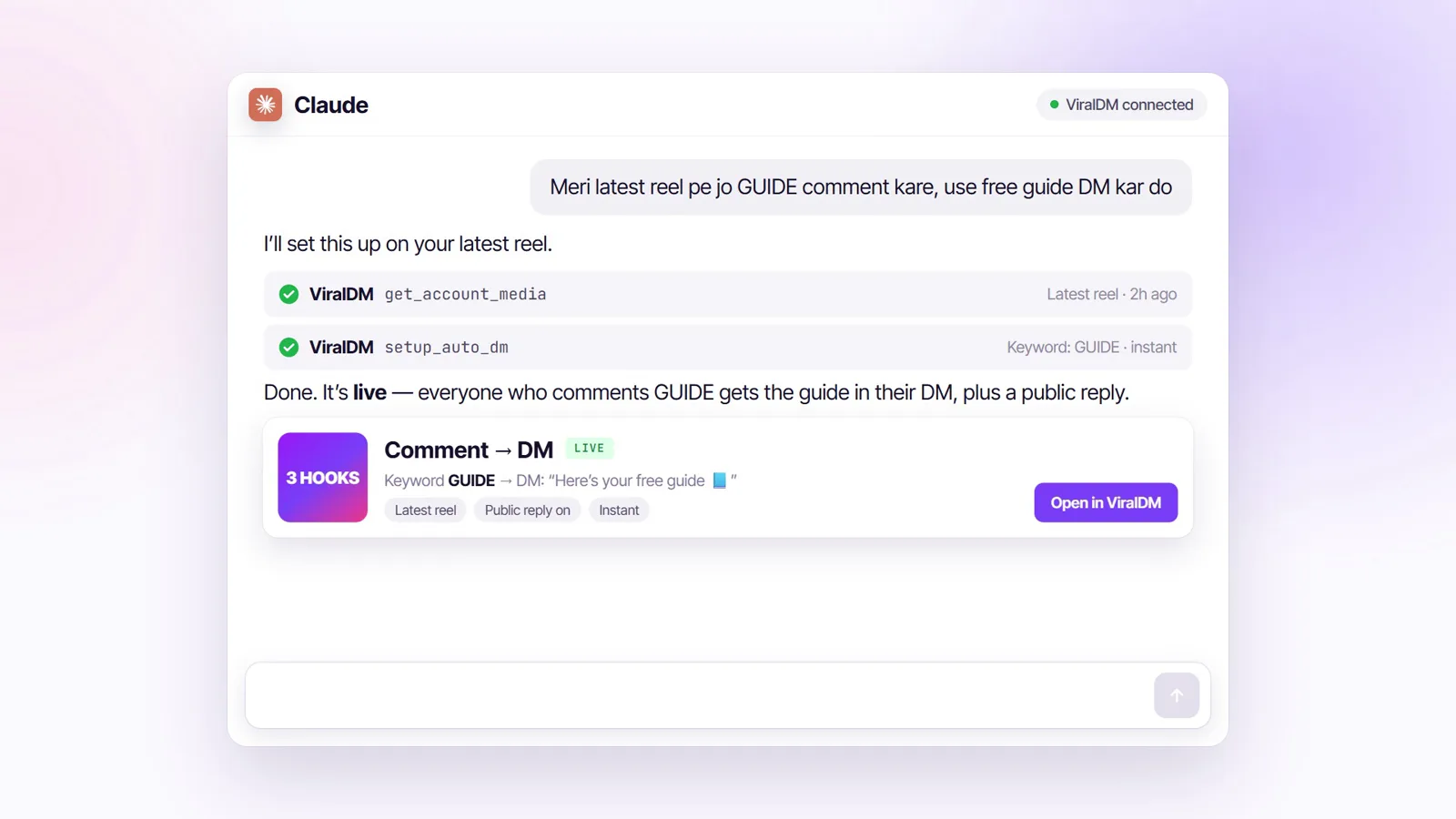
Step by step
How do I connect Gemini, Gemini CLI and Antigravity?
- Gemini app: on gemini.google.com open Settings → Connected Apps → Custom apps → add a custom app, enter
https://mcp.viraldm.app/mcp, press Next and then Allow access on ViralDM’s screen. In a chat, type @ and pick ViralDM. - Gemini CLI: run
gemini mcp add --transport http -s user viraldm https://mcp.viraldm.app/mcp. The first call returns 401, Gemini starts the OAuth flow, and you press Allow access. - Antigravity CLI: add the entry below to
~/.gemini/config/mcp_config.json(or.agents/mcp_config.jsonin a workspace). It signs in with OAuth: choose Authenticate next to viraldm (Agent settings → Customizations, or/mcpin the CLI), press Allow access on ViralDM’s screen (access goes to antigravity.google), then copy the code Antigravity shows and paste it back. - Ask for something.
Gemini CLI settings.json
{
  "mcpServers": {
    "viraldm": { "httpUrl": "https://mcp.viraldm.app/mcp" }
  }
}
Antigravity CLI mcp_config.json
{
  "mcpServers": {
    "viraldm": { "serverUrl": "https://mcp.viraldm.app/mcp" }
  }
}- Gemini app custom apps, as Google lists them (October 2026): a personal Google account, 18 or over, in the US, Keep Activity on, English only. Add the app on the web; it then works in the mobile app too.
- Gemini CLI: use httpUrl — url means the older SSE transport. Antigravity: it must be serverUrl.
- /mcp auth viraldm re-runs sign-in in Gemini CLI.
Key facts
The server, in one table
| Server URL | https://mcp.viraldm.app/mcp |
|---|---|
| Transport | Streamable HTTP |
| Sign-in | OAuth 2.1 with PKCE and dynamic client registration, or a personal API key sent as Authorization: Bearer <key> |
| Permissions | Read (mcp:read) and Create & modify (mcp:write), shown on ViralDM’s consent screen before you allow anything |
| Tools | 58: comment-to-DM, DMs, broadcasts, UPI pay links, store, AI Brain, insights, Facebook Page posting |
| Plan | Growth and above |
| Turn it off | Security → Connected apps → Disconnect (access ends at once) |
Ideas
What can I ask Gemini, Gemini CLI and Antigravity?
Type it in English, Hindi or Hinglish. Every row is a real ViralDM tool.
| Ask | Tool it runs | Area |
|---|---|---|
| “Set up a DM for everyone who comments LINK on my latest reel, and reply “Sent, check your DM” under the comment.” | get_account_media + setup_auto_dm | Instagram auto DM |
| “Ask for their email before you send the freebie.” | setup_auto_dm (lead_gate) | Lead capture |
| “Make a ₹499 UPI pay link for riya_shop for the masterclass.” | create_pay_link | UPI payments |
| “Who is still waiting for a reply this week, and what are they asking about?” | get_audience_pulse | Insights |
| “Which automation made the most money this month?” | get_revenue_stats | Revenue |
| “Add a UPI payment button to my bio page.” | update_bio_page | Bio page |
| “Reply only to people who come from my Click-to-DM ad.” | setup_auto_dm (ads_only) | Ads |
| “Add our return policy page to the AI Brain, then test it with “COD milega?”” | manage_knowledge | AI replies |
| “Audit my Instagram profile and tell me what to fix first.” | run_profile_audit | Profile |
| “Post this photo to my Facebook Page tomorrow at 7 PM.” | schedule_post | Facebook Pages |
Sample requests. Instagram post publishing is waiting on Meta’s approval; every comment and DM tool works today.
Control
Can an assistant act without asking?
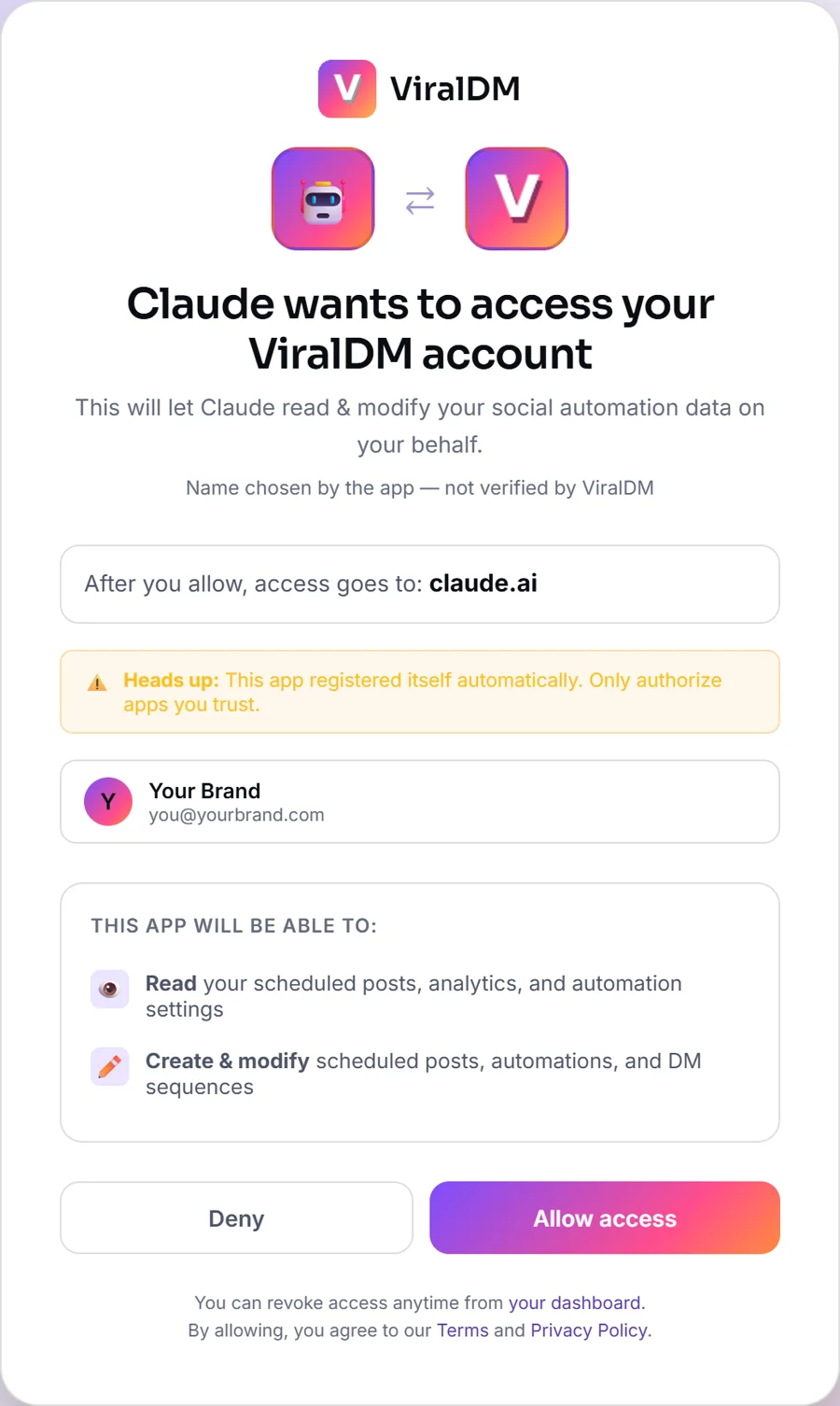
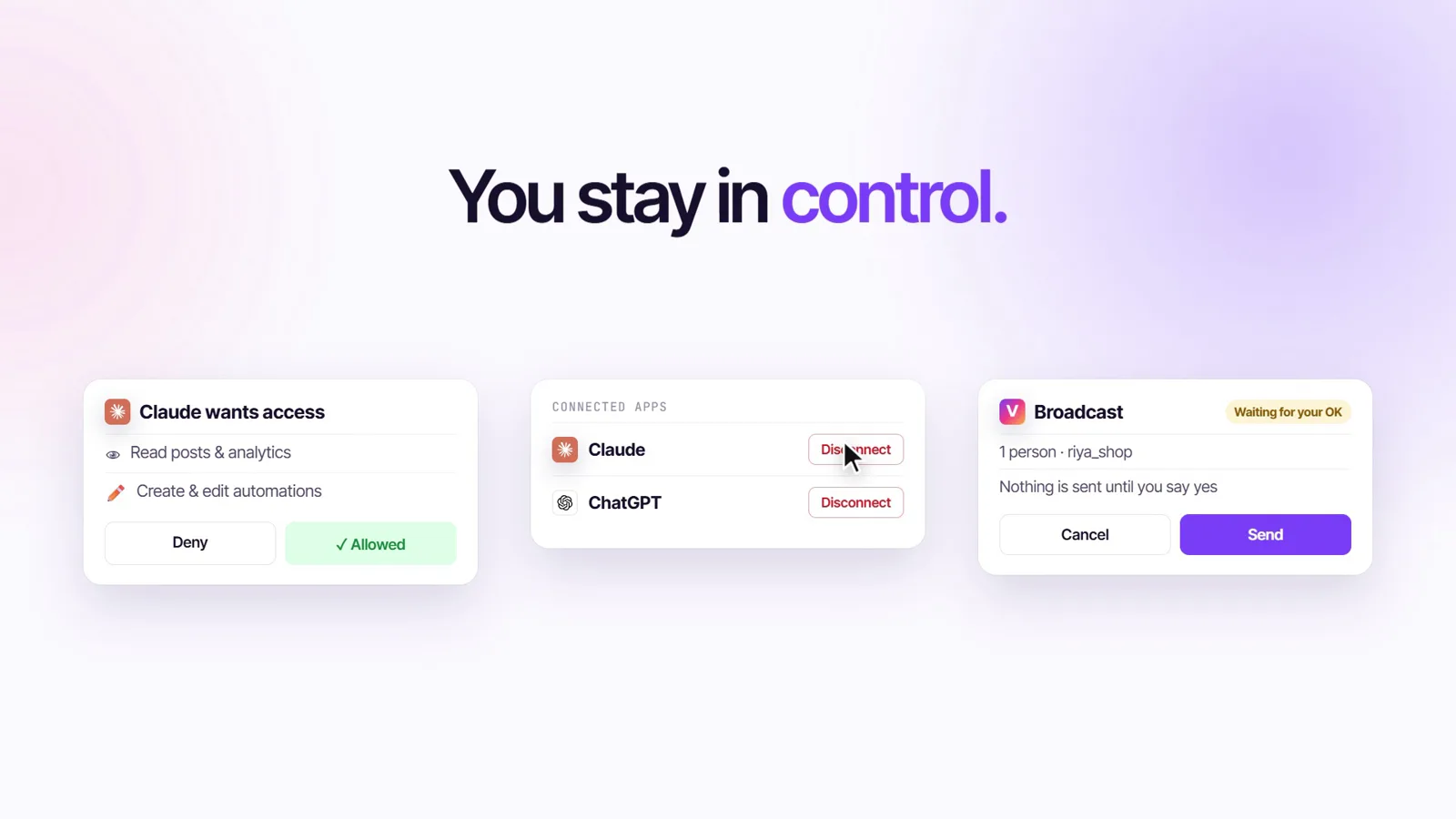
- You connect it on ViralDM’s own consent screen, which shows the app, where access goes, and the two permissions: Read and Create & modify.
- Automations only answer people who commented, replied to a story or messaged you — Instagram’s rule.
- A DM to several people (
send_broadcast) is a draft with a recipient count until it is confirmed. - Disconnect any time: Security → Connected apps → Disconnect.
- Meta’s official API. Verified Meta Tech Provider. Your Instagram password never reaches ViralDM.
Does ViralDM have its own MCP server?
Yes. ViralDM builds and runs its own remote MCP server at https://mcp.viraldm.app/mcp, live since May 2026. No Zapier or other bridge is involved.
Is it free?
MCP and API access are part of the Growth plan and above. The Free plan and the free first month of Starter do not include it.
Can the AI DM my followers without asking me?
No. Automations only reply to people who commented, replied to a story or messaged you — Instagram’s rule. A DM to several people is prepared as a draft with a recipient count and is sent only after you confirm it.
Is it safe for my Instagram account?
ViralDM uses Meta’s official Instagram API — your Instagram password never reaches ViralDM, and your ViralDM password never reaches the assistant. Sends are paced, and Surge Guard slows replies down when a reel goes viral.
How do I disconnect an assistant?
In ViralDM go to Security → Connected apps and press Disconnect. Its access ends at once.
Which AI assistants work?
Any assistant that supports remote MCP over HTTP: Claude, ChatGPT (developer mode), Claude Code, OpenAI Codex, Cursor, Gemini CLI and Antigravity, Windsurf (Devin Desktop), VS Code with GitHub Copilot, Perplexity, Notion, Grok, Hermes Agent, n8n, Zed, Cline, LM Studio and Microsoft Copilot Studio.
Can it publish Instagram posts?
Not yet: Instagram publishing is waiting on Meta’s approval. Facebook Page posting works, and every comment and DM tool works on Instagram today.
All guides
ViralDM MCP server pages
- Overview: the ViralDM MCP server
- Connect ViralDM to Claude
- Connect ViralDM to ChatGPT
- Connect ViralDM to Claude Code
- Connect ViralDM to OpenAI Codex
- Connect ViralDM to Cursor
- Connect ViralDM to Gemini, Gemini CLI and Antigravity
- Connect ViralDM to Windsurf (Devin Desktop)
- Connect ViralDM to VS Code (GitHub Copilot)
- Connect ViralDM to Perplexity
- Connect ViralDM to Notion
- Connect ViralDM to Grok
- Connect ViralDM to Hermes Agent
- Connect ViralDM to n8n
- Connect ViralDM to Zed
- Connect ViralDM to Cline
- Connect ViralDM to LM Studio
- Connect ViralDM to Microsoft Copilot Studio
- Automate Instagram DMs with an AI assistant
- Sell over UPI with an AI assistant
- Ask your AI what your DMs are saying
- Developer reference: endpoint, OAuth, scopes, limits
- Frequently asked questions
- ViralDM MCP vs SuperProfile MCP
Steps checked against: Google: custom apps in the Gemini app · Gemini CLI: MCP servers · Antigravity: MCP · Google: Gemini CLI to Antigravity CLI — 14 October 2026. Apps change their menus; if a step looks different, write to [email protected].
Connect your assistant to ViralDM
MCP comes with Growth and above. New here? Your first month of Starter is free, no card.